AI chat APIs
6OpenAI, Anthropic, Gemini, Groq, xAI, Mistral
Try ready-made chat completion requests with realistic prompts, headers, and JSON bodies already filled in.
API & Webhook Playground · Free · No Sign-up
Paste a URL, hit send, see the response — right here in your browser. No downloads, no signups, no config files. Just results.
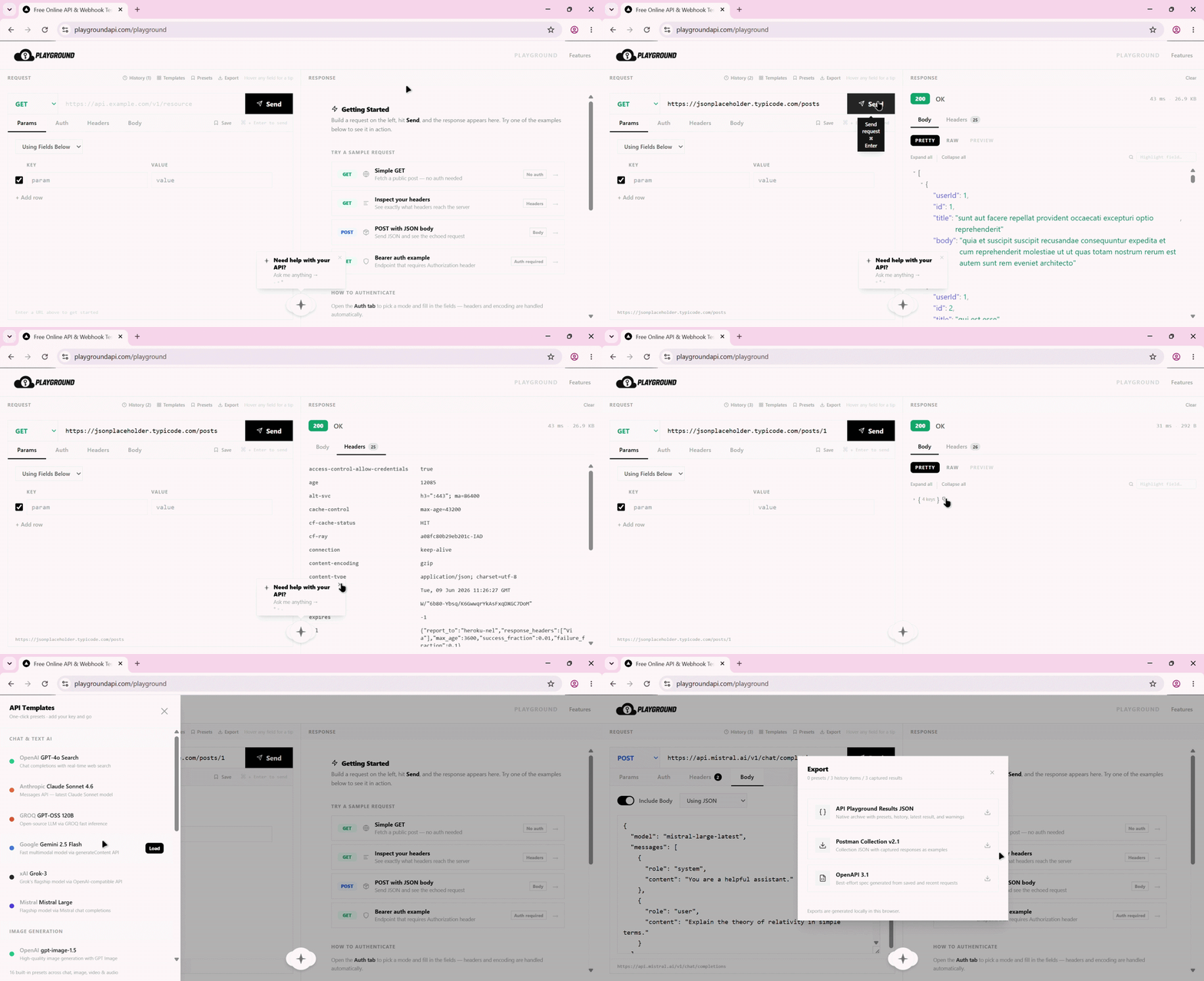
Pre-built API templates
API Playground includes 16 ready-to-run API request presets for popular AI, media, and automation APIs. Pick a template, add your key, send the request, and inspect the response in the browser.
1
Pick a pre-built API template
2
Add your API key or environment variable
3
Send the request and inspect the response
OpenAI, Anthropic, Gemini, Groq, xAI, Mistral
Try ready-made chat completion requests with realistic prompts, headers, and JSON bodies already filled in.
OpenAI, fal.ai, Google Imagen
Test text-to-image endpoints without writing request payloads from scratch.
Runway, Kling, Veo, Pika
Explore long-running and queue-based video API calls with the right request shape in place.
OpenAI, ElevenLabs, PlayAI
Send speech generation requests with authentication, voice settings, and output formats preconfigured.
Example preset
POST /v1/chat/completions
Authorization: Bearer YOUR_API_KEY
Content-Type: application/json

{
  "model": "gpt-4o-search-preview",
  "messages": [
    { "role": "user", "content": "Your prompt" }
  ]
}
What you get
01
Open the playground in your browser and start firing requests. No install, no config, no accounts.
02
GET, POST, PUT, DELETE, PATCH — custom headers, body, query params. Everything Postman can do.
03
Every request is saved automatically. Revisit, replay, or share past calls without any effort.
04
Let an AI agent read your current request, diagnose failed responses, and prepare an apply-ready fix.
Learn more05
Beautiful JSON viewer with syntax highlighting, collapsible nodes, and copy-to-clipboard.
06
Fire webhooks to Make.com, Zapier, or any automation platform and inspect the response instantly. Test triggers any time — no third-party listener needed.
HTTP protocol support
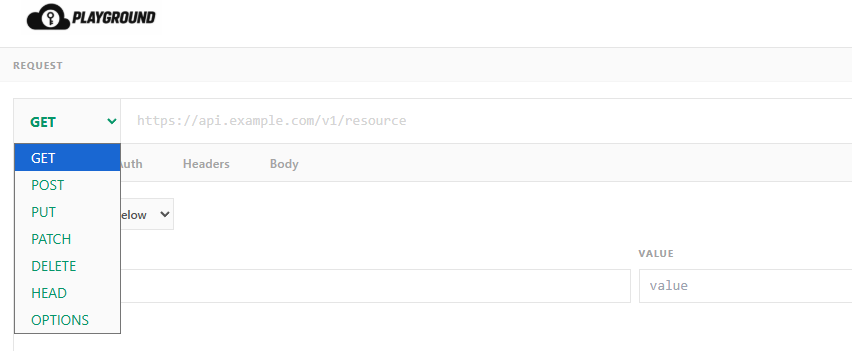
Pick your HTTP method from the dropdown and fire. Whether you're fetching data, creating resources, or debugging edge cases — we've got you covered.
GET
Fetch data
POST
Create resources
PUT
Replace data
PATCH
Partial update
DELETE
Remove data
HEAD
Check headers
OPTIONS
Preflight info
From the Blog
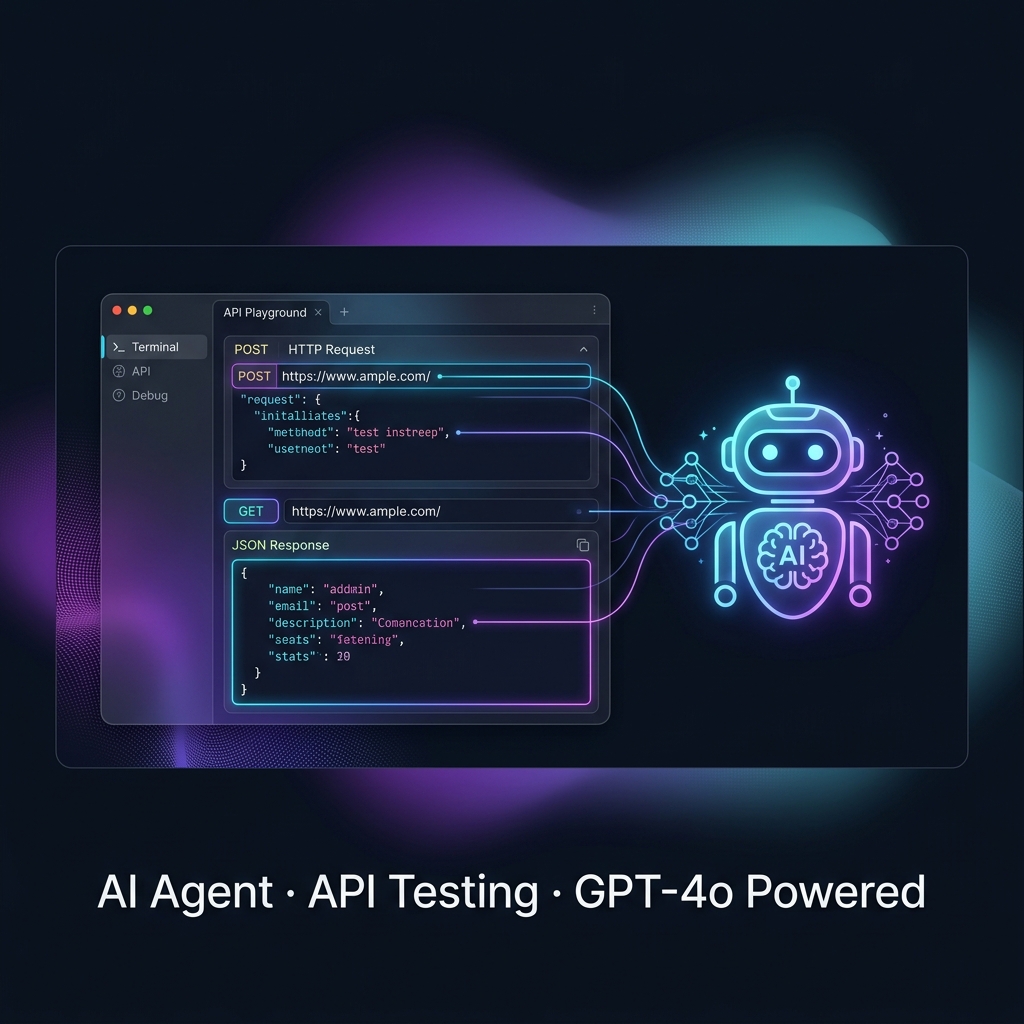
Learn how to use API Playground's AI Agent to build, send, and debug API requests in plain English, including auth errors, bad payloads, and 422 responses.
Read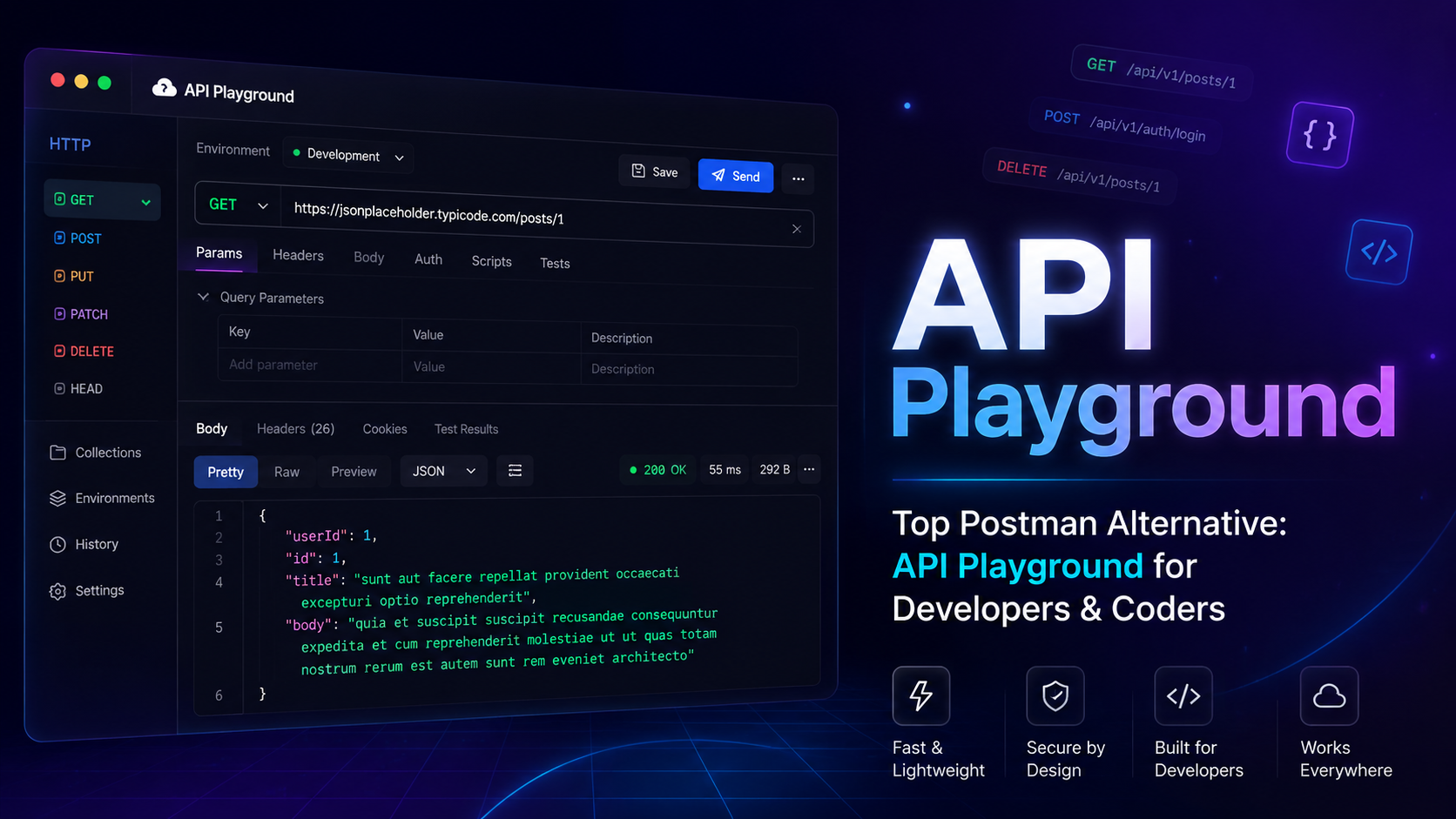
Tired of Postman's bloat, paywalls, and web app sign-in friction? Discover why API Playground is the top Postman alternative for developers and coders — browser-based, lightweight, and completely free.
Read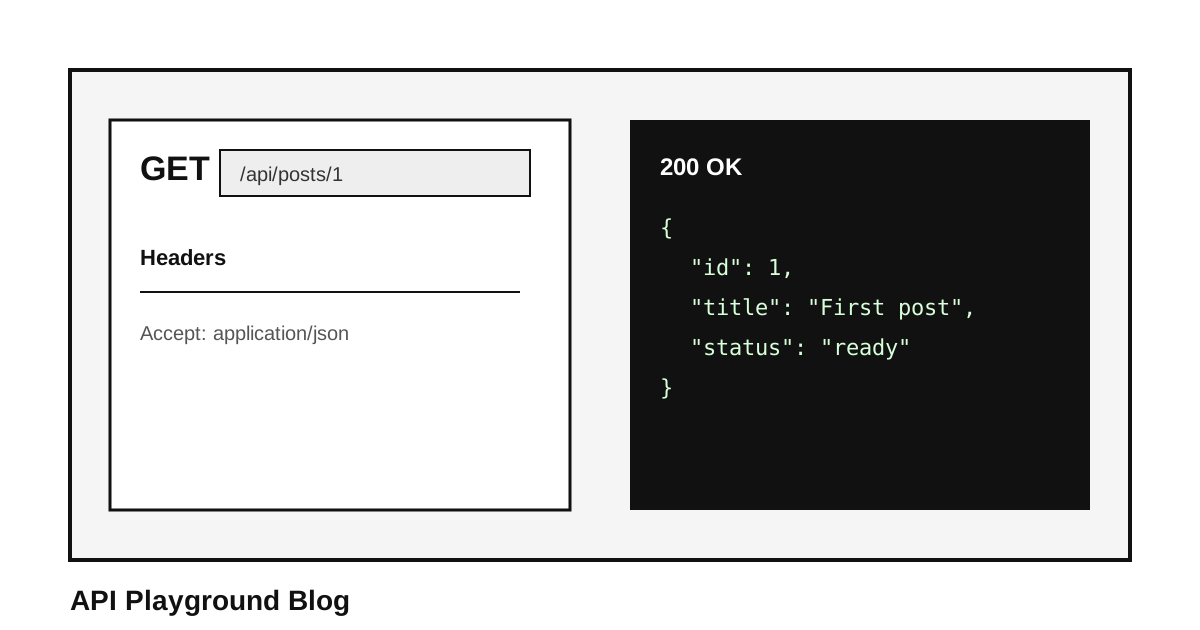
A practical guide to testing API endpoints in the browser without installing Postman or creating an account.
Read