
How to Test Webhooks from n8n, Make.com, and Zapier Without Writing a Single Line of Code
Introduction
If you've ever built an automation in n8n, Make.com, or Zapier, you know the feeling: you set up your webhook trigger, hit "Test," and then… wait. You need something to actually send data to that webhook URL so your workflow can fire.
Most people reach for tools like Postman or curl. But those tools weren't built for this. They're complex, require some technical know-how, and are overkill when all you want to do is fire off a quick webhook payload.
That's exactly why we built API Playground.
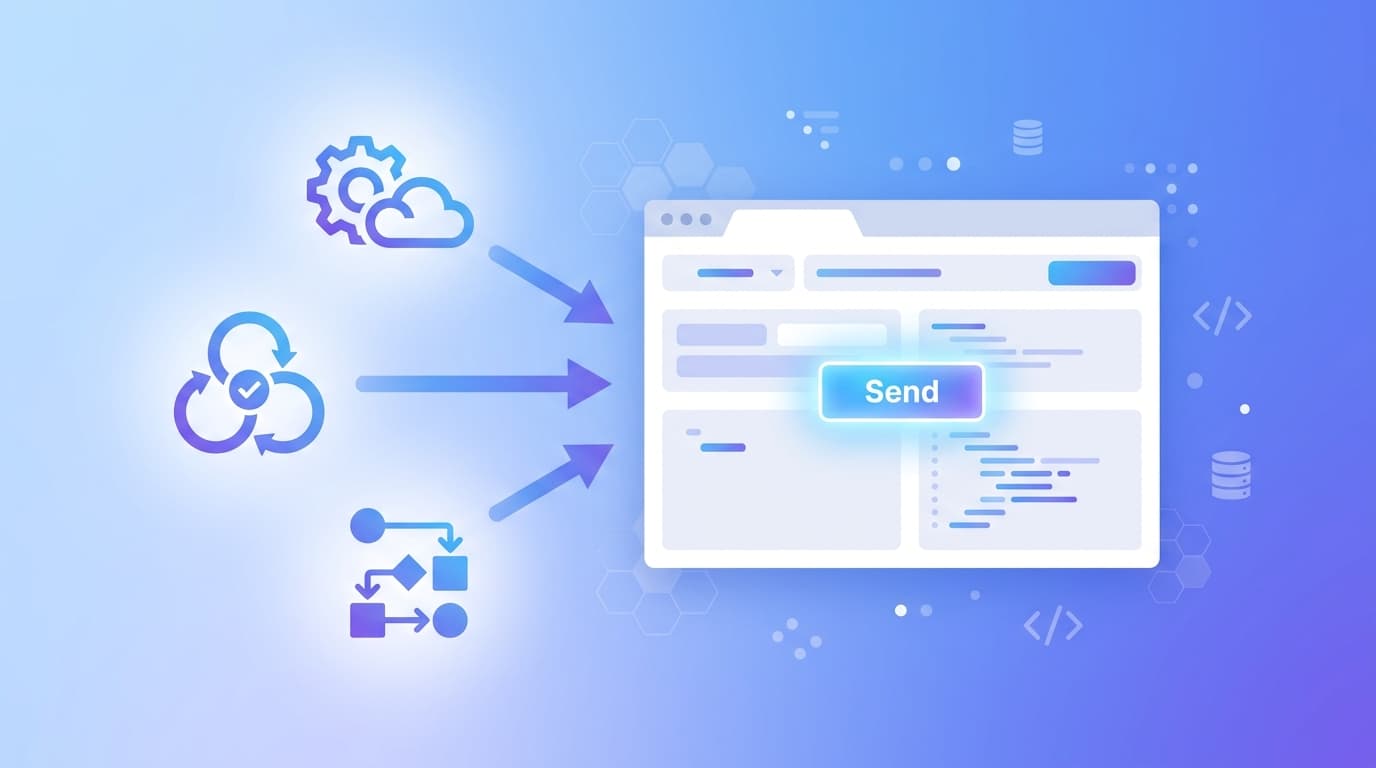
In this guide, we'll show you how to test your webhook triggers from n8n, Make.com, and Zapier — the easy way — no code, no configuration, no headaches.
Why Testing Webhooks Is Harder Than It Should Be
When you create a webhook-triggered workflow in any automation platform, the platform gives you a URL and waits. It literally sits there until something sends an HTTP request to that URL with the right payload.
Here's what most people do wrong:
They try to trigger it manually by pasting the URL in a browser (GET requests only — doesn't work for POST data)
They install Postman, spend 20 minutes figuring out the UI, and still aren't sure if they sent the right headers
They ask a developer to "just quickly test this" — pulling someone away from their real work
There's a better way.
What Is API Playground?
API Playground is a free, browser-based tool that lets you send HTTP requests — including webhook payloads — to any URL, from anywhere, instantly.
Think of it like a form for making API calls. You paste your webhook URL, fill in your data, and hit send. That's it.
Here's what you can send:
Type What It's For JSON Body Standard structured data (most webhooks expect this) Form Fields Key-value pairs, like a form submission Raw Body Custom text, XML, or any string payload File Uploads Send attachments or binary data Headers Custom headers like Authorization, Content-Type, etc. Query Params Append ?key=value to the URL automatically
And if you're a non-technical user — a PM, CS manager, or operations lead — we have a Form Mode that turns all of this into a simple form. You fill in the fields, and API Playground builds and sends the request for you. No JSON, no curl, no stress.
How It Works — At a Glance
[Insert Mermaid Diagram Here]
Testing Webhooks in n8n
Step 1: Get Your Webhook URL from n8n
In your n8n workflow, add a Webhook node as the trigger. Set the HTTP method to POST and copy the Test URL it gives you.
It'll look something like:
https://your-n8n-instance.com/webhook-test/abc12345Step 2: Open API Playground
Go to playgroundapi.com — no sign-up required.
Step 3: Configure Your Request
Set the method to
POSTPaste your n8n webhook URL
Switch to the JSON Body tab
Paste a sample payload — or use Form Mode to build one visually:
{
  "event": "form_submission",
  "name": "Jane Doe",
  "email": "jane@example.com",
  "plan": "pro"
}
Step 4: Hit Send
Click Send Request. Within seconds, your n8n workflow receives the data, the webhook node lights up green, and you can see exactly what was received in the execution log.
No waiting. No guessing. No dev needed.
Testing Webhooks in Make.com
Make.com (formerly Integromat) works the same way, just with a different UI.
Step 1: Add a Webhook Trigger
In your Make.com scenario, add a Webhooks > Custom Webhook module. Click Add to create a new webhook and copy the URL.
Step 2: Send Data via API Playground
Paste the URL into API Playground. Make.com will show you a "Waiting for data" spinner — go ahead and send your test payload.
Pro tip for Make.com users: The first payload you send is used to determine the data structure of your webhook. API Playground is perfect for this — send a complete, realistic payload so Make.com can map all your fields correctly on the first try.
Testing Webhooks in Zapier
Step 1: Set Up a Webhooks by Zapier Trigger
In your Zap, choose Webhooks by Zapier as the trigger app and select Catch Hook. Copy the webhook URL.
Step 2: Test It With API Playground
Paste the URL into API Playground and send your JSON payload. Zapier will instantly detect the incoming request and show you the data it received.
You can then use those exact field names (name, email, plan, etc.) in the rest of your Zap.
Sending Different Payload Types
One thing that makes API Playground stand out is that it handles all payload types — not just JSON.
Sending Headers
Some webhooks require authentication or custom metadata in the headers. In API Playground, add them in the Headers tab:
Authorization: Bearer your_token_here
X-Source: api-playground
Sending Files
Need to simulate a file upload webhook? Use the File Upload tab to attach a file. API Playground will send it as a multipart/form-data request — exactly what most file-processing workflows expect.
Sending Raw or XML Body
If your webhook expects plain text, XML, or a custom format, use the Raw Body tab and set your Content-Type header accordingly.
Sending Query Parameters
Need to append ?secret=abc123 to your webhook URL? Use the Query Params tab and API Playground will handle the URL encoding automatically.
Form Mode: For Non-Technical Teams
Not everyone is comfortable writing JSON. And they shouldn't have to be.
API Playground's Form Mode is designed for PMs, customer success reps, sales ops, and QA testers who need to trigger webhooks but don't want to write code.
Here's how it works:
Open API Playground and switch to Form Mode
Add your field names (e.g.,
name,email,deal_value)Fill in the values
Hit Send
API Playground will automatically build the JSON payload and send it to your webhook URL. You never need to look at raw JSON.
This is especially useful when:
You want to test a Zapier/Make/n8n workflow with realistic data
A QA tester needs to simulate various form submissions
Your CS or sales team needs to manually trigger automations without asking a developer
Why Use API Playground Instead of Postman?
Feature API Playground Postman No install required ✅ ❌ (desktop app) Non-technical friendly ✅ ❌ Form Mode ✅ ❌ Instant sharing ✅ ⚠️ (requires account) File uploads ✅ ✅ JSON, raw, params ✅ ✅ Free to use ✅ ⚠️ (limited free tier)
We're not saying Postman is bad — it's a powerful tool for developers. But if you just need to test a webhook quickly, API Playground gets you there in 30 seconds.
Try It Now
Ready to test your next webhook? Here's the quickest path:
Copy your webhook URL from n8n, Make.com, or Zapier
Open API Playground
Paste the URL, add your payload, and hit Send
That's it. Your workflow will fire, your data will come through, and you can build with confidence.
No code. No setup. No excuses. 🚀
Have questions or want to explore more guides? Visit our blog for tutorials, tips, and updates.